
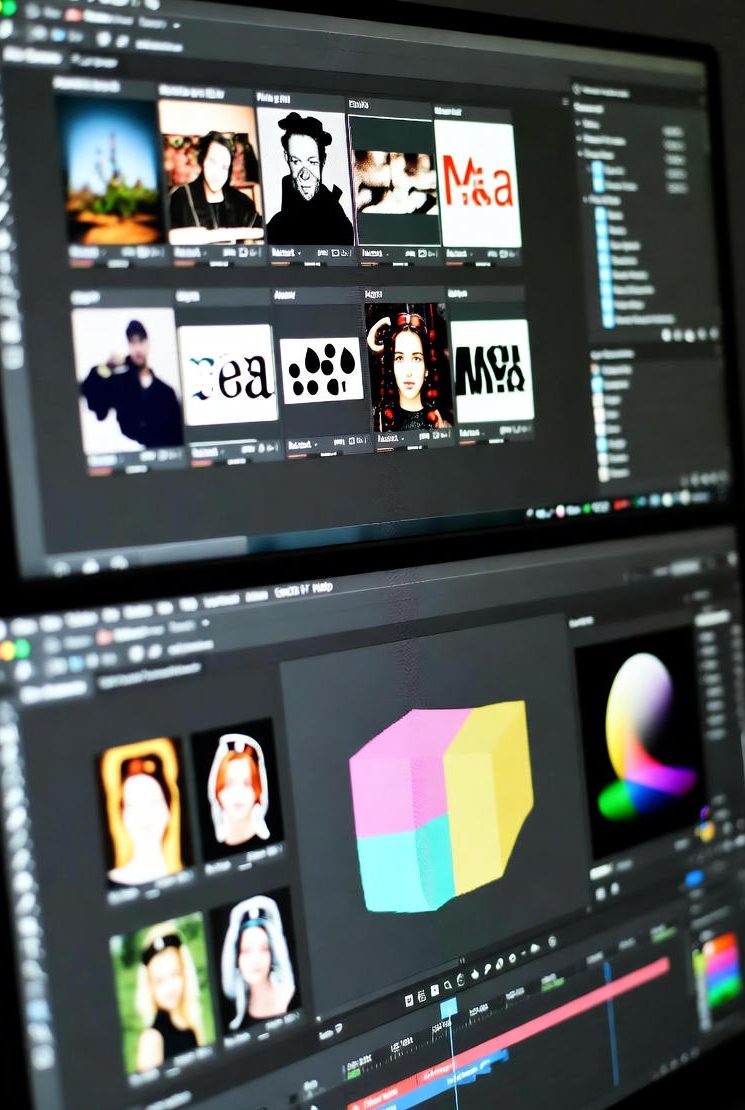
All-in-One Free Image Tools on SubTool
Images are an important part of our digital world. Whether you are a student, designer, or content creator, you often need to resize, crop, or edit your images quickly. At SubTool, we provide a set of free online Image Tools that help you manage, edit, and improve pictures easily — without installing any software.
1. Resize Image
The Resize Image tool lets you quickly change the size of your pictures. You can make images smaller for web use or larger for printing, all while keeping good quality.
2. Crop Image
With the Crop Image tool, you can cut out unwanted parts of a picture. It’s perfect for profile photos, thumbnails, and social media posts where you only need the main part of the image.
3. Image Filter
The Image Filter tool allows you to apply cool effects to your pictures. You can adjust brightness, contrast, or add filters to make your photos more creative and beautiful.
4. Rotate Image
Sometimes your photo appears upside down or sideways. Use the Rotate Image tool to fix that easily. You can turn your image 90°, 180°, or any custom angle you want.
5. Compress Image
Large image files take longer to load on websites. The Compress Image tool helps you reduce image size without losing quality. It’s great for faster website speed and saving storage space.
6. Convert Image Format
Need to change an image format like JPG to PNG or PNG to WebP? The Convert Image Format tool can do that for free in just a few clicks.
7. Add Watermark
Protect your images from unauthorized use by adding a text or logo watermark using the Add Watermark tool. It’s simple and effective for branding or copyright purposes.
8. Export Image
When you are done editing, the Export Image tool helps you download your final picture in your preferred format and resolution. It’s quick and convenient.
9. Image Metadata Viewer
The Image Metadata Viewer tool shows hidden data like camera model, date taken, and image size. This is useful for photographers and researchers who need detailed information.
10. Image Background Remover
Need to remove the background of a photo? The Image Background Remover tool automatically cuts out the background, leaving only the subject. It’s perfect for profile photos, e-commerce, and graphic design.
Why Use SubTool’s Image Tools?
All our image tools are free, fast, and online. You don’t need to sign up or download anything. Whether you’re working on a phone, tablet, or computer, SubTool makes image editing simple for everyone.
Final Thoughts
With these powerful Image Tools, you can create, edit, and optimize your pictures like a pro — all in one place. Visit SubTool.net and make your image tasks faster and easier today!
Frequently Asked Questions (FAQ)
1. Are all image tools on SubTool free to use?
Yes, all SubTool image tools are completely free and don’t require any registration.
2. Can I resize an image without losing quality?
Yes, the Resize Image tool maintains the best quality while changing image size.
3. How can I remove the background from my photo?
You can easily do that using the Image Background Remover tool.
4. Is it safe to upload images on SubTool?
Absolutely. Your files are processed securely, and no images are stored on our servers after editing.
5. Can I convert JPG to PNG or WebP?
Yes, you can use the Convert Image Format tool to change between different image types.
6. How do I reduce the file size of my image?
Simply go to the Compress Image page and upload your image to make it smaller.
7. Can I add a logo watermark to my photo?
Yes, with the Add Watermark tool, you can add both text and image watermarks easily.
8. How can I check photo information like camera model?
You can use the Image Metadata Viewer tool to see full photo details.
9. Can I use SubTool image tools on my phone?
Yes, all SubTool tools are mobile-friendly and work perfectly on Android and iPhone browsers.
10. Do I need to download any software?
No, SubTool tools like Resize Image and Image Filter work 100% online.