
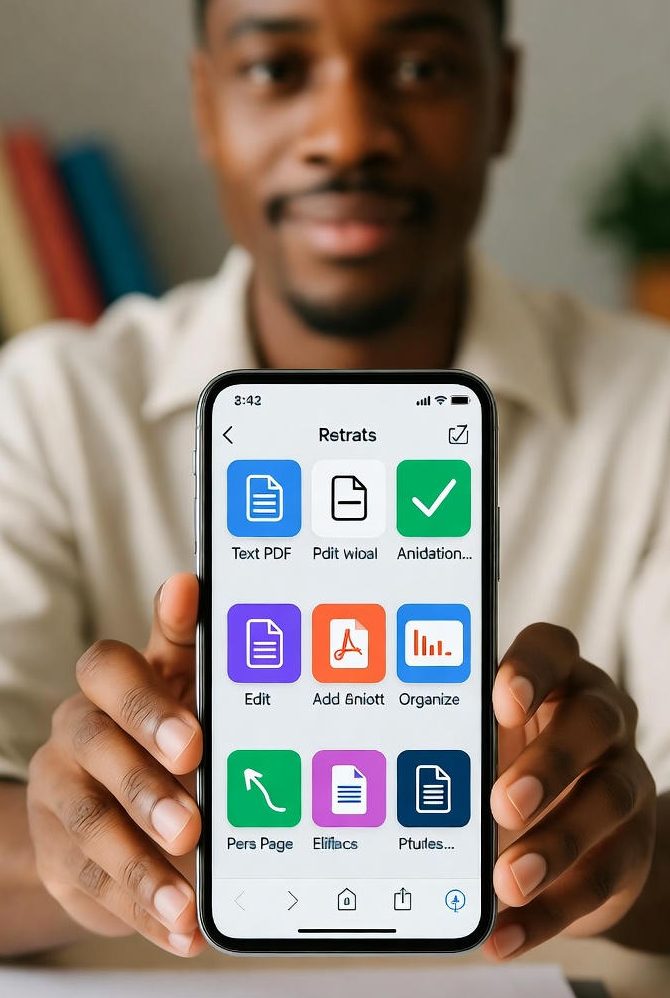
PDF Tools – Free and Easy Online PDF Utilities
www.SubTool.net offers a complete collection of free PDF tools designed to help you create, convert, merge, and edit PDF files directly in your browser. Whether you’re a student, a professional, or a casual user, these tools make PDF management simple, secure, and fast — no installation or signup required.
Text to PDF
Convert any text document into a high-quality PDF instantly with the Text to PDF tool.
Image to PDF
Use the Image to PDF converter to turn JPG, PNG, or GIF files into a single PDF.
Merge PDF
Combine multiple PDFs into one with the Merge PDF tool.
Split PDF
Extract specific pages using the Split PDF tool.
Rotate PDF Pages
Fix orientation issues with Rotate PDF Pages.
Add Watermark to PDF
Add protection using the Add Watermark PDF tool.
Password Protect PDF
Secure files with Password Protect PDF.
Unlock PDF
Remove restrictions using Unlock PDF.
PDF to Text
Extract content with PDF to Text.
PDF to Image
Convert pages using PDF to Image.
Reorder PDF Pages
Arrange pages via Reorder PDF Pages.
Add Notes to PDF
Annotate files with Add Notes PDF.
Edit PDF
Edit documents using Edit PDF.
Extract Images from PDF
Save graphics with Extract Images.
Delete PDF Pages
Remove pages using Delete PDF Pages.
Add Bookmarks to PDF
Create navigation with Add Bookmarks PDF.
Add Metadata to PDF
Organize files via Add Metadata PDF.
Highlight Text in PDF
Mark content with Highlight Text PDF.
All SubTool.net PDF tools are free, fast, and privacy-focused.
Frequently Asked Questions about PDF Tools
1. What are PDF Tools on SubTool.net?
SubTool.net offers a wide range of PDF tools that let you merge, split, convert, compress, and edit PDF files completely online for free — no software installation needed.
2. How can I merge multiple PDF files into one?
You can easily combine multiple PDF files using the Merge PDF tool. Upload your files, reorder them, and download a single merged document instantly.
3. Is there a way to split a large PDF into smaller parts?
Yes! The Split PDF tool lets you extract or separate specific pages from a large PDF quickly and securely.
4. Can I convert text or images into PDF format?
Absolutely. Use Text to PDF for documents and Image to PDF for pictures to instantly create high-quality PDFs online.
5. How do I protect my PDF with a password?
You can secure your document using the Password Protect PDF tool. Just upload your file, set a strong password, and download your protected PDF.
6. What if I need to remove a password from a PDF?
The Unlock PDF tool allows you to remove passwords from PDF files safely if you have permission to access the document.
7. Can I compress a large PDF to reduce its size?
Yes, with the Compress PDF tool, you can reduce file size without losing quality — perfect for email attachments and online sharing.
8. How can I extract text or images from a PDF?
Use PDF to Text to extract content or Extract Images to download pictures directly from your PDF files.
9. Can I edit or add notes to my PDF online?
Yes! The Edit PDF and Add Notes PDF tools let you modify text, highlight, or insert comments directly in your browser.
10. Are SubTool.net PDF tools safe to use?
Absolutely. All SubTool.net tools work securely in your browser. Your files are never stored or shared — all processing happens locally on your device.